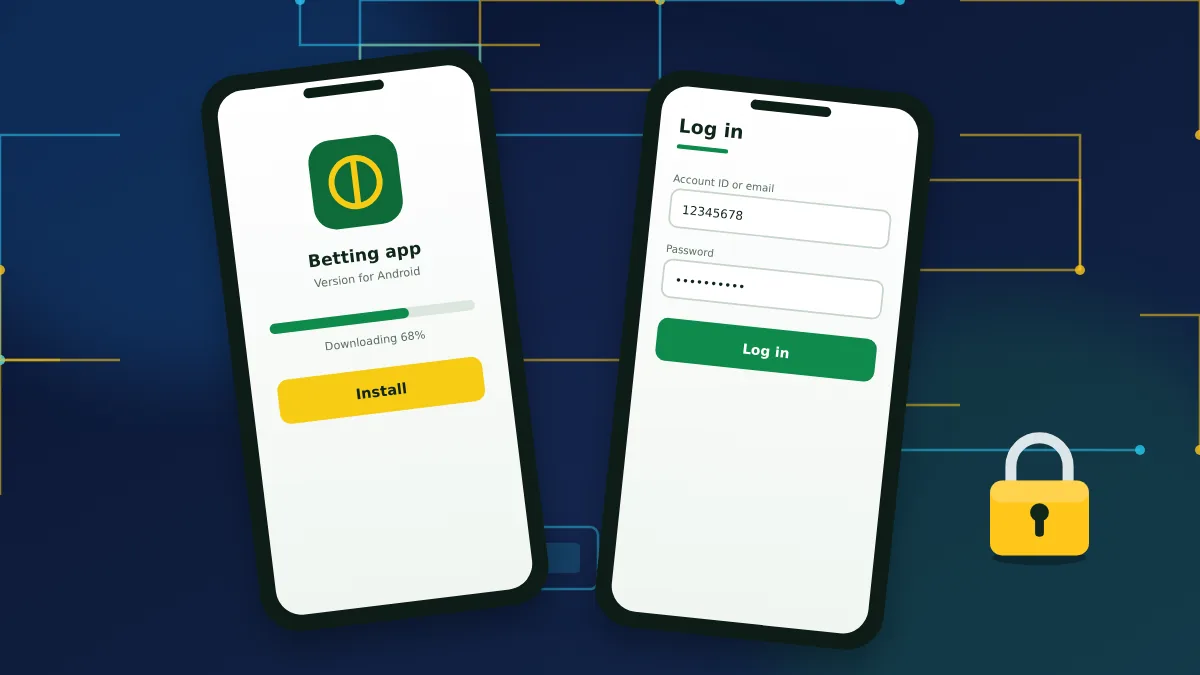
Ways to log in on a phone
There are two routes on mobile. The mobile website opens in any browser and needs no installation. The app has to be installed first but remembers you between visits and supports biometric login. Both use the same account and the same credentials as the desktop site.
Getting the app
On Android the app is distributed as an APK file from the bookmaker's own website, because gambling apps are restricted in the Play Store in many countries. Download the file from the mobile apps page, allow installation from that source when the phone asks, and open the file to install it.
On iPhone and iPad the app is offered through the App Store in supported regions. If it is not listed in your country, use the mobile site and add it to the home screen from the browser's share menu.
Install the app only from the bookmaker's official page. Unofficial copies can be altered to capture login details.
Signing in through the app
The first login in the app is the standard one, with identifier and password.
- Open the app and tap Log in on the start screen.
- Enter your account ID, email or phone number.
- Type your password and confirm.
- Enter the 2FA code if you use two-factor authentication.
- Agree to quick login when the app offers it, if the phone is yours alone.
Quick login with fingerprint, face or PIN
After the first sign-in the app can unlock with a fingerprint, a face scan or a short PIN code. The setting is in the security section of the app menu.
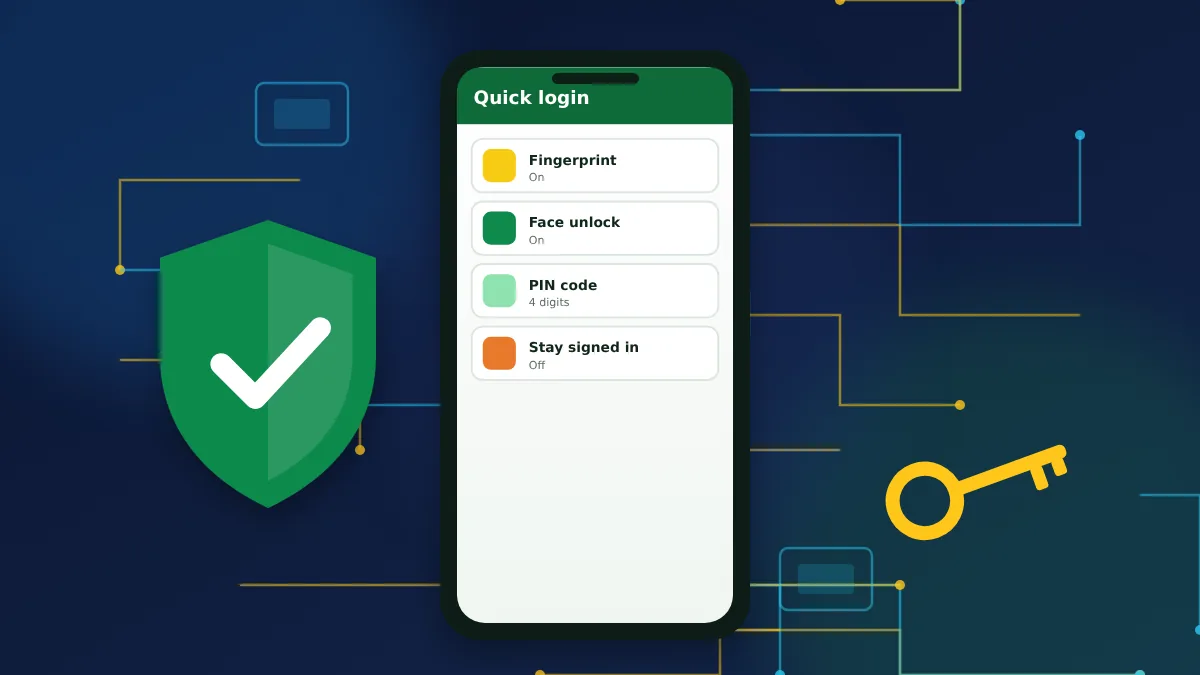
Quick login is safe only when the phone itself is protected. Use a screen lock, do not add other people's fingerprints to the device, and switch quick login off before lending or selling the phone.
Mobile login problems
If the app refuses to sign you in, work through these checks:
- update the app to the latest version from the official page;
- switch between Wi-Fi and mobile data;
- make sure the phone's date and time are set automatically;
- clear the app cache or reinstall it;
- try the mobile website to see whether the problem is the app or the account.
If the mobile site lets you in and the app does not, the fault is on the device and a clean reinstall usually solves it.
Mobile login FAQs
Answers about signing in from a phone or tablet.
1. Do I need a separate account for the app?
No. The app uses the same account, balance and login details as the website.
2. Can I register inside the app?
Yes. The app has the same registration form as the site, including the choice of welcome offer.
3. How do I turn off fingerprint login?
Open the app settings, go to the security section and switch quick login off. The next sign-in will ask for your password again.
4. Why does the app keep logging me out?
Sessions end after a period of inactivity, after a password change or when the app is updated. Battery-saving modes that close background apps can also cause it.