How accounts get compromised
Betting accounts are rarely broken into by force. Far more often the owner gives the details away without realising it. The usual routes are reused passwords leaked from another site, fake pages that copy a login screen, and messages that pretend to come from support.
All three are preventable. The measures below take a few minutes to set up.
Setting up two-factor authentication
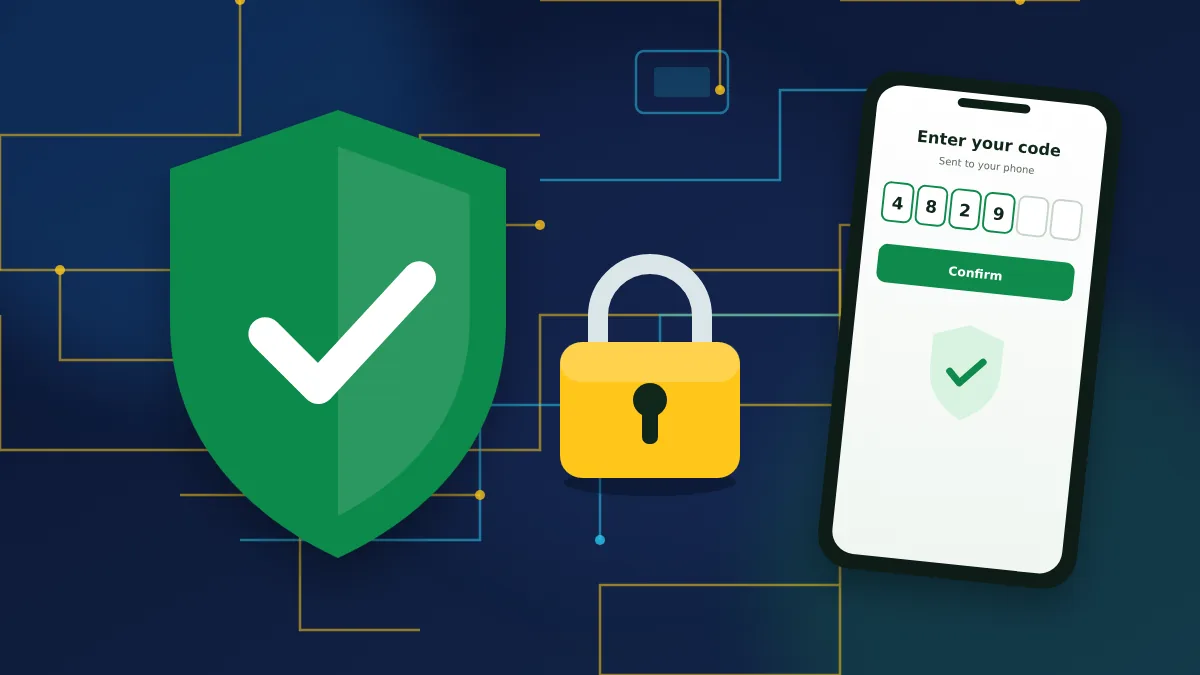
Two-factor authentication ties your login to a code generated on your own phone.
- Install an authenticator app such as Google Authenticator.
- Log in to your account and open the security section.
- Select two-factor authentication and scan the QR code with the app.
- Write down the backup key shown on screen and keep it offline.
- Enter the six-digit code from the app to confirm.
From then on, every login asks for a fresh code after the password.
Other security settings worth using
The same section of the account contains several smaller protections.
| Setting | What it does |
|---|---|
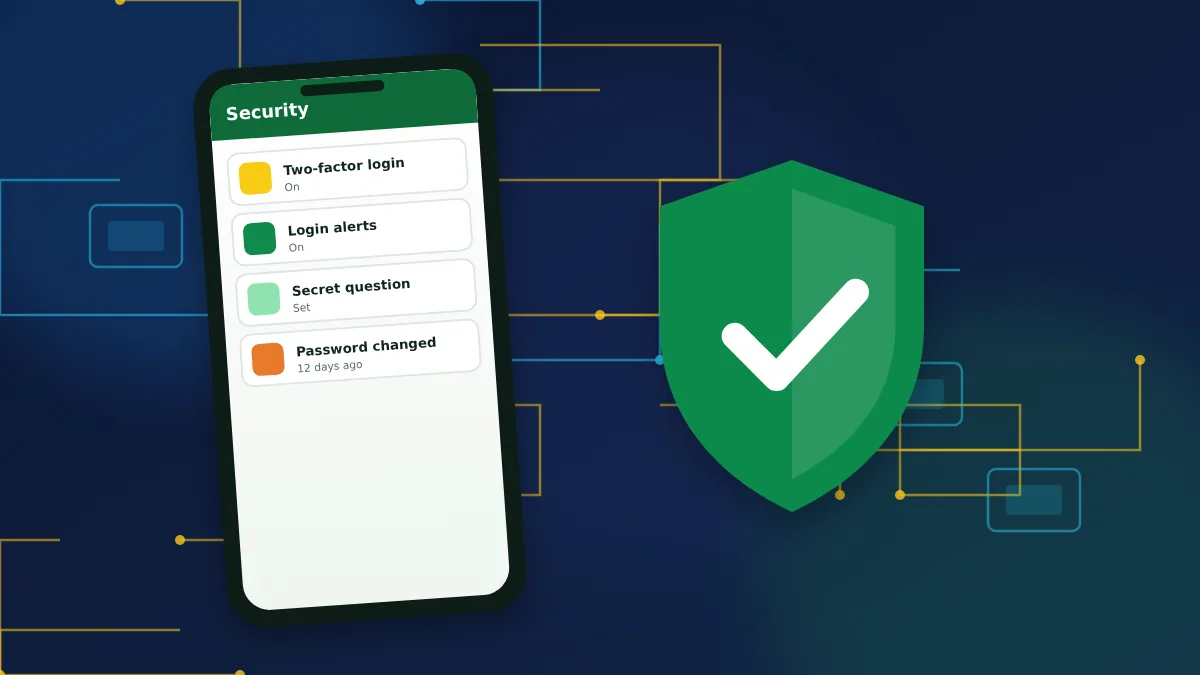
| Login notifications | Sends an email when someone signs in to the account. |
| Secret question | Adds a question that support can use to confirm it is you. |
| Session history | Shows recent logins with device and time. |
| Withdrawal confirmation | Requires a code before money leaves the account. |
The exact names of these options can differ slightly between the website and the app.
Spotting fake pages and messages
Look at the address bar before you type a password. A copy of a login page can look identical while sitting on a different domain. Be wary of emails or chats that create urgency, promise a bonus for "confirming" your account or ask for your password or 2FA code. Real support never needs either.
This website is an informational guide. It has no login form, and we never request account details.
If someone got into your account
Act quickly. Change the password, end all other sessions and check whether the email, phone number or payment details were altered. Then contact support, explain what happened and ask them to freeze withdrawals while they investigate.
Account security FAQs
Practical answers about protecting your login.
1. Is two-factor authentication mandatory?
No, it is optional, but strongly recommended for any account that holds money.
2. I lost my phone with the authenticator app. What do I do?
Use the backup key from the setup screen to add the account to a new authenticator. Without the key, support has to remove 2FA after verifying your identity.
3. Can I use SMS codes instead of an app?
The main option is an authenticator app. Some actions are also confirmed by SMS or email, depending on your settings and region.
4. How often should I change my password?
Change it at once if you suspect a leak or after using a shared device. Otherwise a long, unique password does not need frequent changes.