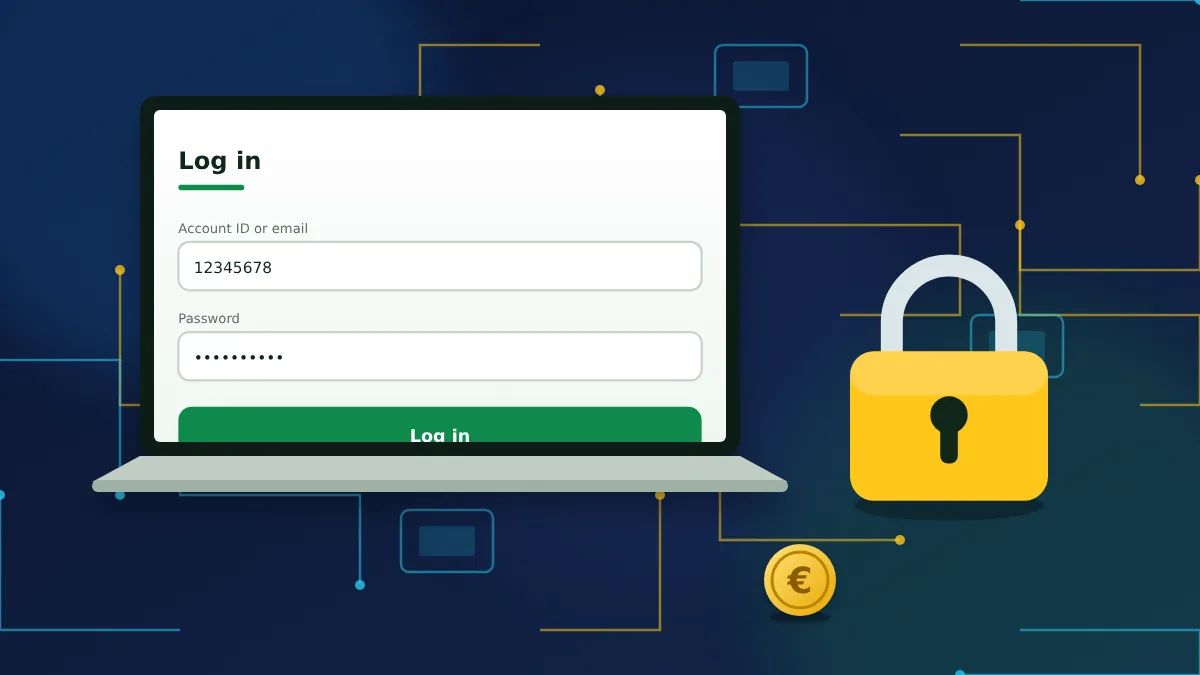
What you need before logging in
A BetWinner login only works for people who already have an account, so the starting point is registration. Once the account exists, you sign in with one identifier and one password. The identifier can be the account ID the bookmaker assigned to you, the email address you registered, or your phone number.
It helps to know which of these you actually have. People who used the one-click registration received an automatically generated ID and password on screen, and many never saved them. If that sounds familiar, skip ahead to the password recovery section, because guessing will only lock the account for a while.
You also need to reach the bookmaker's real website or app. This page is an independent guide. It has no login form and never asks for your details.
How to log in on the website
Signing in from a computer takes less than a minute. The button sits in the top right corner of every page of the bookmaker's site.
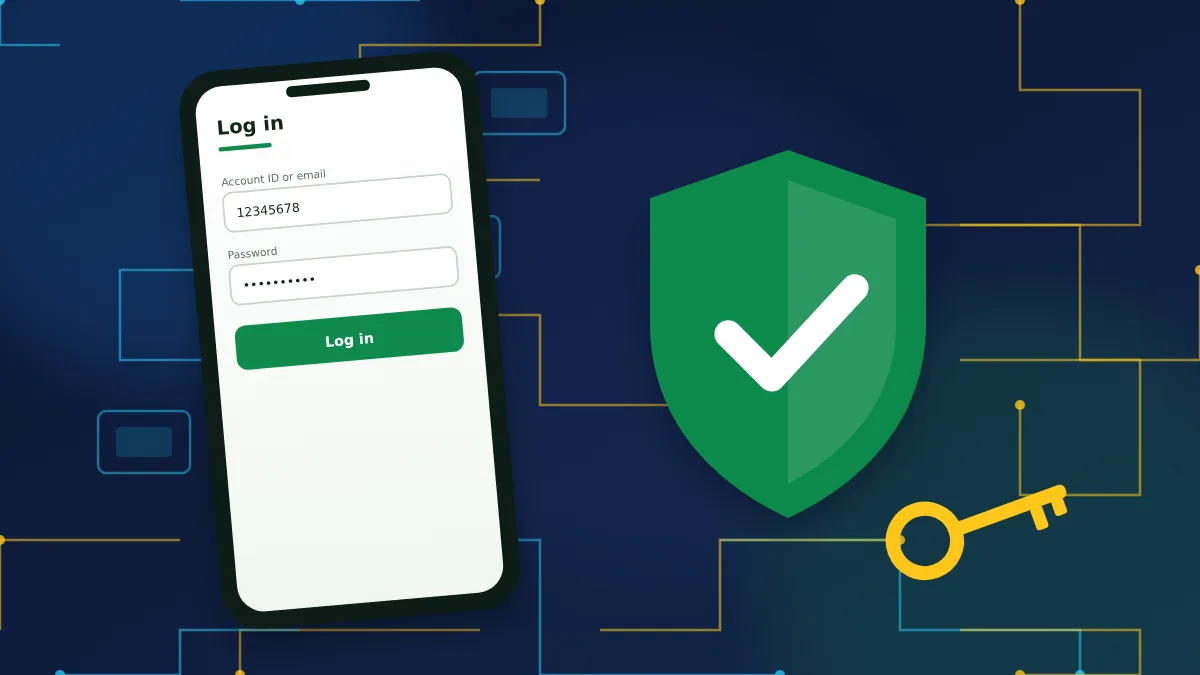
- Open the BetWinner website and click the Log in button in the header.
- Type your account ID, email address or phone number in the first field.
- Enter your password. Check the keyboard layout and caps lock first.
- Tick Remember only if nobody else uses the device.
- Press Log in. If two-factor authentication is enabled, enter the six-digit code from your authenticator app.
After a successful sign-in the header shows your balance and account menu instead of the login button. If the page simply reloads without any message, clear the browser cache or try a private window, since an outdated cookie is often the cause.
Do not have an account yet?
Registration guideBetWinner login methods
The login window accepts several kinds of credentials, and which one suits you depends on how you registered. All of them open the same account.
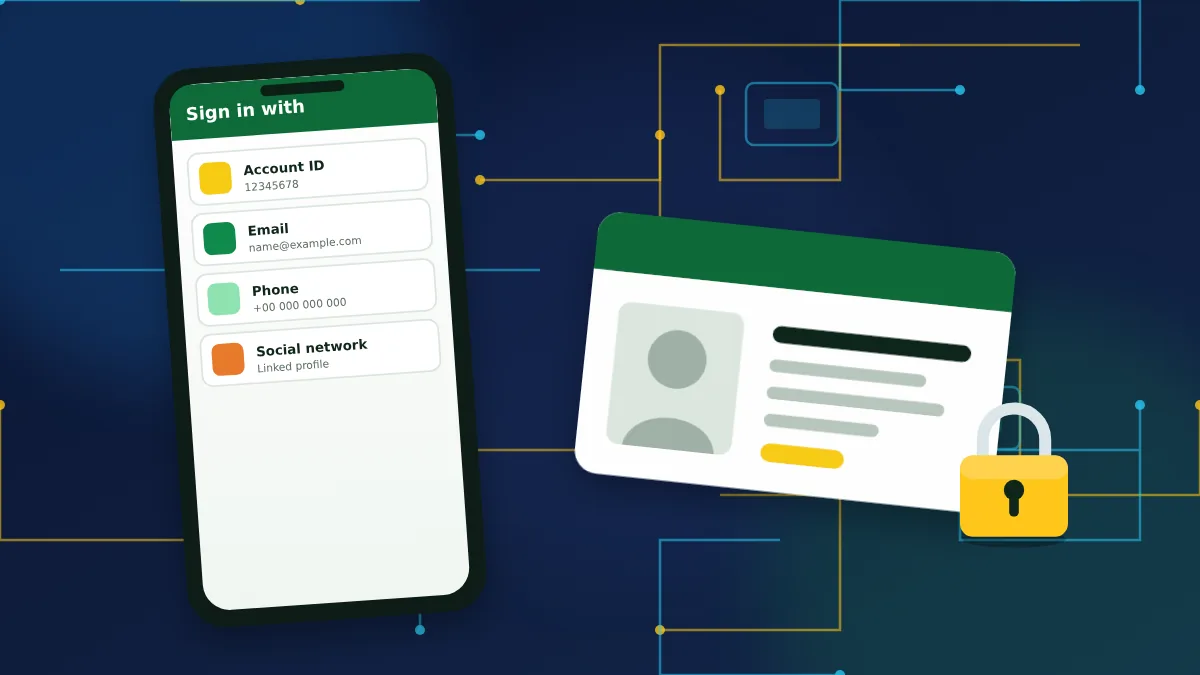
| Method | What you enter | Good to know |
|---|---|---|
| Account ID | Numeric ID and password | Always works, even if you change your email or number. |
| Email address and password | The address must be confirmed in your profile. | |
| Phone | Number with country code and password | The number must be linked and verified by SMS. |
| Social network or messenger | Authorisation through the linked profile | Only for accounts created or linked this way. |
The account ID is the most reliable option. Write it down somewhere safe on the day you register. Support will also ask for it whenever you contact them.
Logging in on mobile
On a phone you can sign in through the mobile website or through the app for Android or iOS. The credentials are the same as on desktop, and so are the steps: tap the login button, enter the identifier and password, confirm.
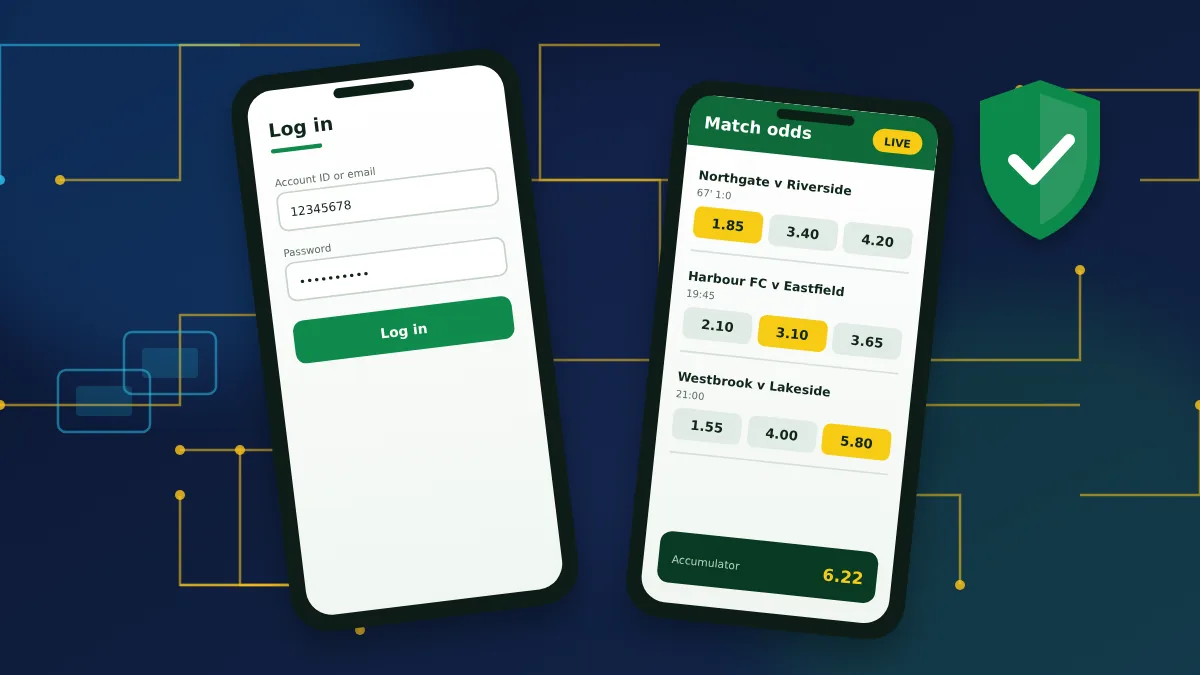
The app adds two conveniences. It can keep you signed in between sessions, and it can replace the password with a fingerprint, face scan or PIN once you have logged in the normal way at least once. That makes access quicker, but it also means anyone who can unlock your phone can open your betting account, so keep a screen lock on the device.
Installing the app and setting up quick login.
Mobile login guideForgot your password
A forgotten password is the most common reason people cannot get in, and it is easy to fix as long as you still control the email or phone number on the account.
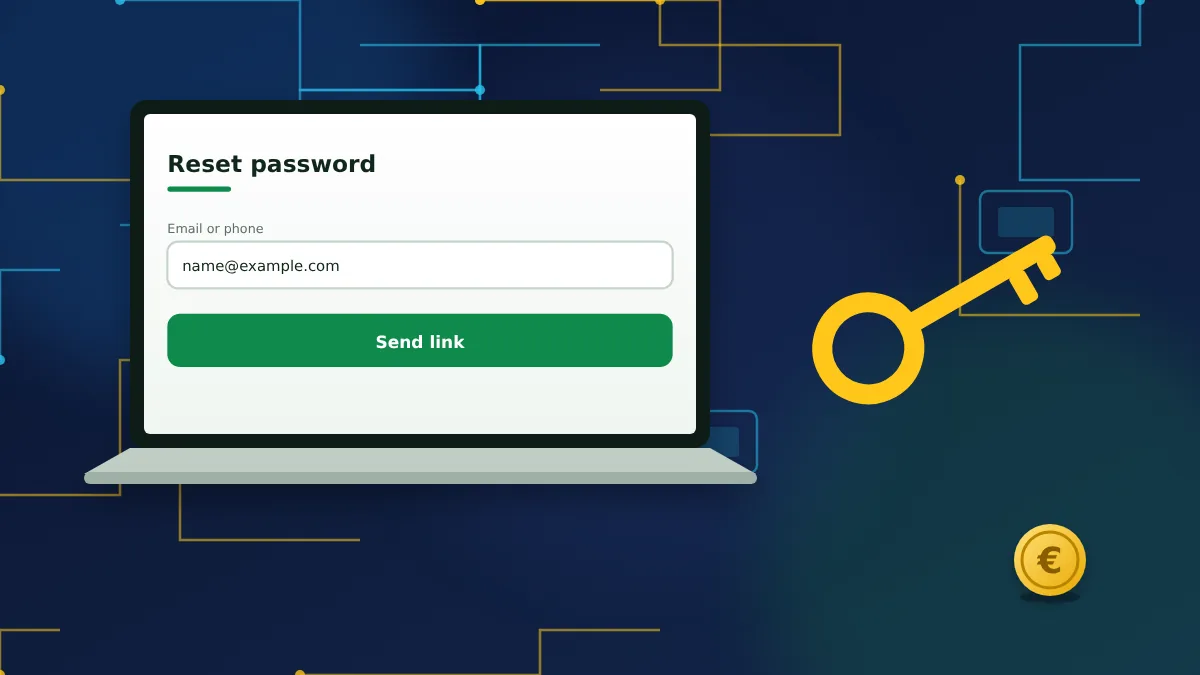
Click Forgot your password? in the login window and choose recovery by email or by phone. The bookmaker sends a link or a code. Follow it, set a new password and sign in again. The whole process usually takes two or three minutes.
If you have lost access to both the email and the number, recovery goes through support and requires proof of identity. Expect to send a photo of the document used for verification.
Every recovery route explained step by step.
Recovery guideTwo-factor authentication
Two-factor authentication, often shortened to 2FA, adds a second check to every login. After the password you enter a short code generated by an app on your phone. Someone who steals or guesses your password still cannot get in without that phone.
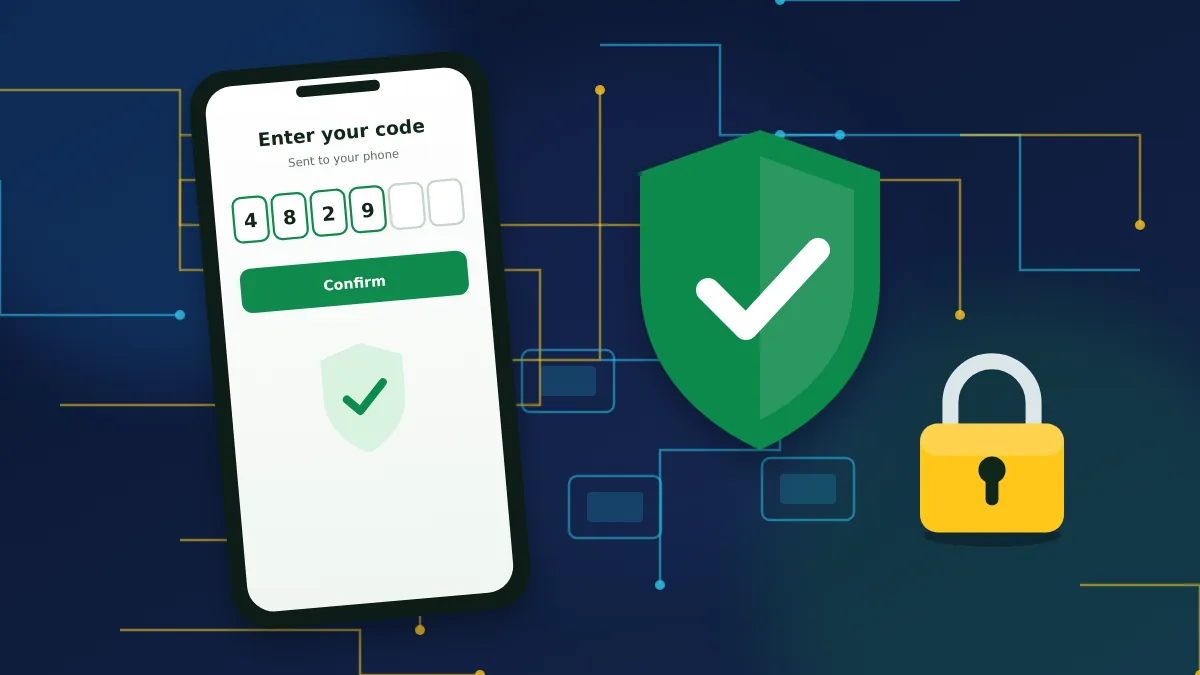
You switch it on in the security section of your account. The site shows a QR code, you scan it with an authenticator app such as Google Authenticator, and you confirm with the first code. During setup you also receive a backup key. Store it offline, because it is the only quick way back in if the phone is lost or replaced.
Setting up 2FA and other protections.
Security guideCommon login problems and how to fix them
Most failed logins have an ordinary explanation. Before contacting support, compare what you see with the table below.
| What happens | Likely cause | What to do |
|---|---|---|
| "Wrong login or password" | Typing error, wrong layout, old password | Retype carefully or reset the password. |
| Account temporarily locked | Too many failed attempts | Wait for the period shown, then reset the password. |
| 2FA code rejected | Phone clock out of sync or code expired | Enable automatic time on the phone and use a fresh code. |
| Site does not open | Network restriction or maintenance | Try another connection or the app, and check again later. |
| Page reloads, nothing happens | Cache, cookies or a browser extension | Clear the cache or use a private window. |
| Account blocked | Verification pending or a rule breach | Contact support and ask what is required. |
When you do write to support, give your account ID, the exact error text and the time it appeared. Never send your password to anyone, including people who say they work for the bookmaker.
Keeping your login safe
A betting account holds money and personal documents, so it deserves the same care as online banking. A few habits remove most of the risk.
- Use a long password that you do not use on any other site.
- Turn on two-factor authentication and keep the backup key offline.
- Check the address bar before typing your password, and avoid links from emails or messages you did not expect.
- Do not tick "Remember" on shared or public computers, and log out when you finish.
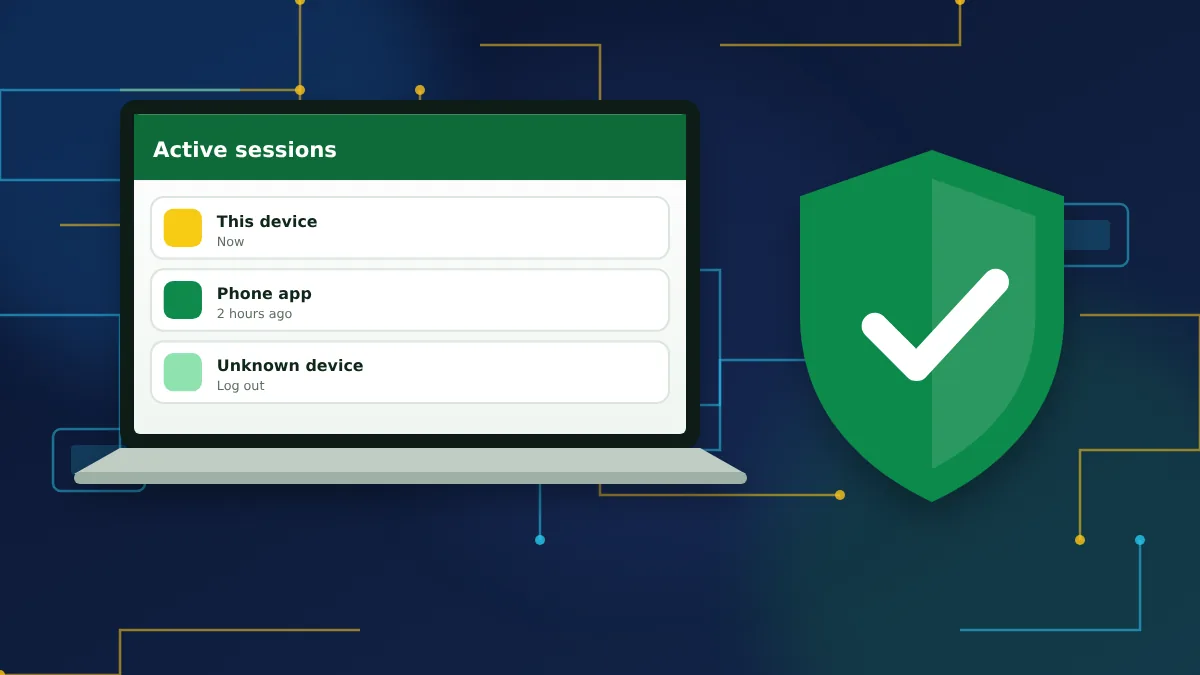
- Review the list of active sessions from time to time and end any you do not recognise.
Sharing an account is against the rules and can lead to it being closed. One person, one account, one set of credentials.
What you can do after logging in
Once you are signed in, the personal account gives access to everything else. From the menu next to your balance you can make a deposit, request a withdrawal, see your bet history and edit your personal details. New customers will also find the welcome offer they selected at registration waiting for the first deposit.
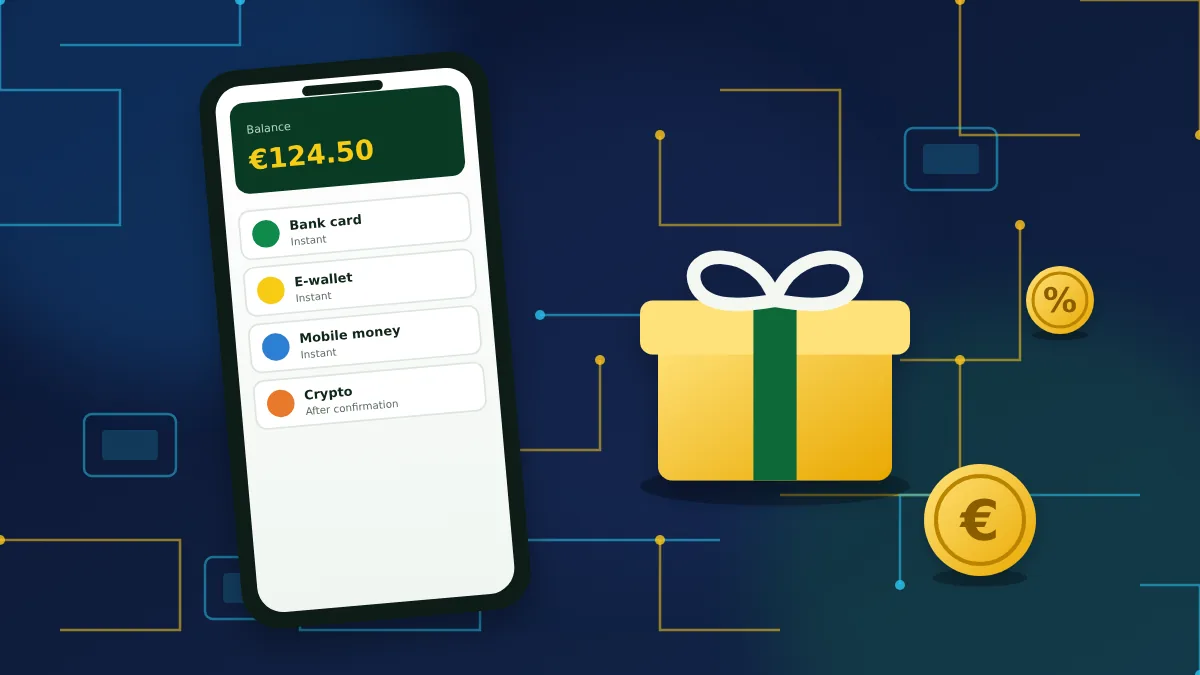
It is worth spending the first session on settings and not on bets. Fill in the profile completely, confirm your email and phone, and set a deposit limit that fits your budget. A complete profile is required for bonuses and makes the first withdrawal much quicker.
How the welcome bonus works and what it requires.
Bonus guideResponsible gambling
Easy access is convenient, and it can also make it too easy to play more than you planned. BetWinner accounts include tools that help, such as deposit limits, time-outs and self-exclusion. You can set them in the account or ask support to apply them.
Only bet money you can afford to lose and never treat gambling as a source of income. If it stops being enjoyable, take a break and speak to a support organisation. Gambling is for adults aged 18 and over.
FAQs about BetWinner login
Short answers to the questions people ask most often about signing in.
1. How do I log in to BetWinner?
Open the bookmaker's website or app, press Log in, enter your account ID, email or phone number and your password, then confirm. If two-factor authentication is on, add the code from your authenticator app.
2. Can I log in with my phone number?
Yes, if the number is linked to the account and confirmed by SMS. Enter it with the country code in the login field, followed by your password.
3. What should I do if I forgot my password?
Use the Forgot your password link in the login window and choose recovery by email or phone. You receive a link or code and set a new password in a couple of minutes.
4. Why is my BetWinner account locked?
A short lock usually follows several wrong password attempts and clears on its own. A longer block is normally linked to verification or a rules issue, and support can tell you what is needed.
5. Is it safe to stay logged in?
On your own phone or computer with a screen lock it is reasonably safe. On shared or public devices always log out and never tick the Remember option.
6. Can I use one account on several devices?
Yes. The same login works on desktop, the mobile site and the apps. Sharing the account with another person is not allowed.